
Moving from Vimeo to Hiway: every question answered before you start
The practical questions that come up once you start the move: permissions, tax, rental windows, how migration actually works, and what Hiway does that Vimeo On Demand never offered.
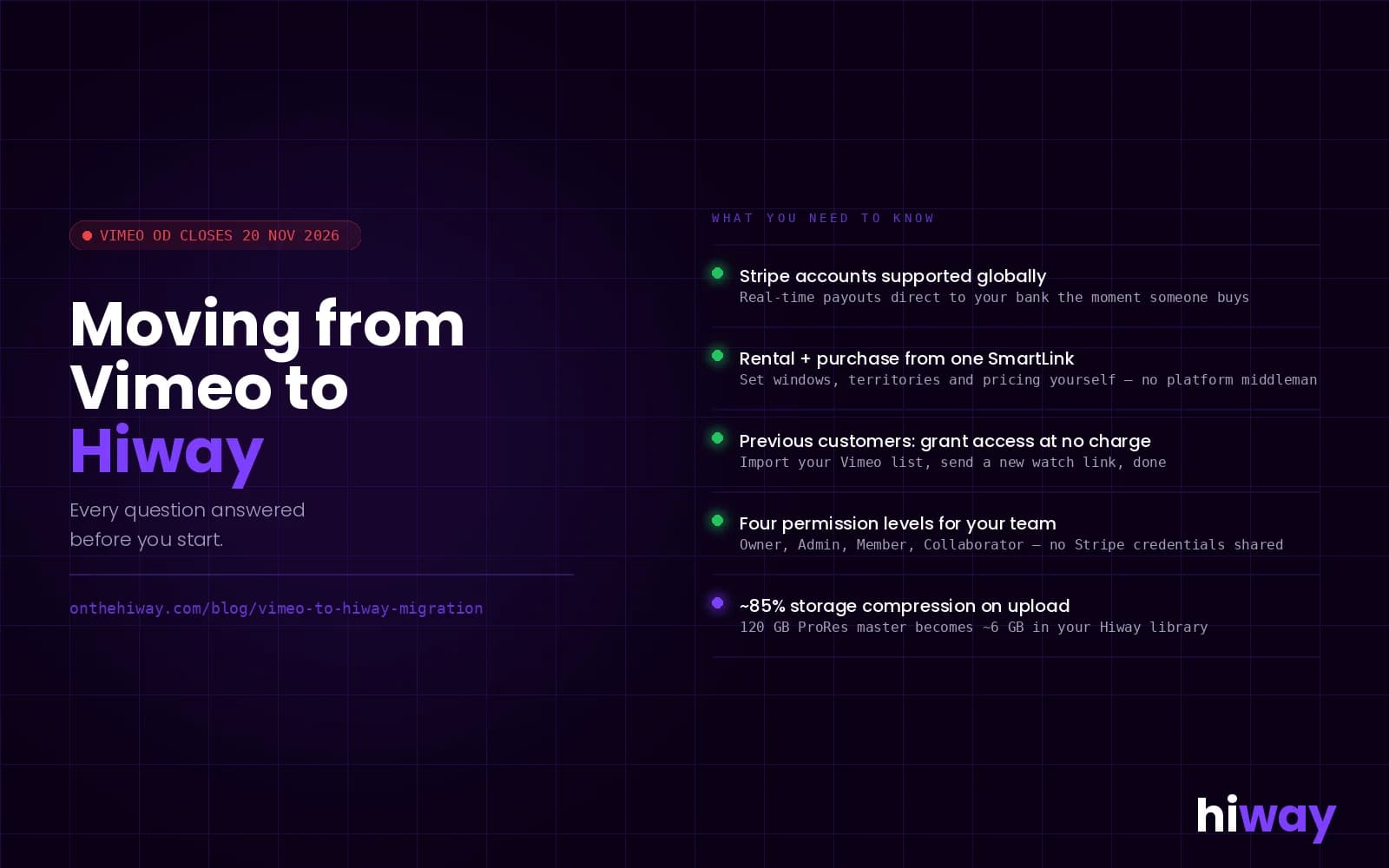
Practical guide to migrating from Vimeo On Demand to Hiway before 20 November 2026. Permissions, tax, rental windows, SmartLinks and what you gain.
⚠️ Vimeo On Demand closes 20 November 2026. Download your master files now.
You have made the decision to move. This post covers the practical questions that come up once you get into the setup: permissions, tax, rental windows, how migration actually works, and what Hiway does that Vimeo On Demand never offered.
We have been running migration calls since Vimeo On Demand announced its shutdown in August. The questions people ask before they start are almost always the same. This post answers them.
If you are still deciding whether to move, the shutdown timeline and your options are covered in the earlier post on Vimeo On Demand closing. This one picks up from the point where you are ready to set up an account and want to know what the process looks like.
Can a US filmmaker use Hiway and connect a US Stripe account?
Yes. Hiway works globally for both content owners and viewers. You connect your own Stripe account, wherever you are based, and your revenue lands there directly. Hiway is not the merchant of record on your sales. You are. The money goes from the viewer's card to your Stripe account, minus the transaction fee, in real time.
That matters for more than geography. It means your sales data and your customer relationships belong to you from the first transaction, not from the point at which a platform decides to export them.
Who handles tax on viewer transactions?
Tax configuration is handled through Stripe. Hiway does not calculate, collect or remit sales tax or VAT on your behalf. Stripe has a tax product, Stripe Tax, that automates this for most territories. We help you configure it correctly when you set up.
If your content is selling globally and tax compliance is a concern, set this up before you publish your first SmartLink. It is not complicated, but it is easier to do once at the start than to retrofit across existing transactions.
Can a freelancer or agency set up the account on behalf of a filmmaker?
Yes. Hiway has four levels of account access: Owner, Admin, Member and Collaborator, each with different permissions. You can give a freelancer Admin or Member access to handle uploads, set metadata and pricing, and build SmartLinks, without giving them access to your Stripe credentials or your banking details. The Owner retains full control throughout.
This is the right structure for anyone working with a third party on their migration. The filmmaker keeps ownership of the account and the data. The person doing the practical work gets the access they need to do it.
Does Hiway handle the migration itself?
For most sellers, the process is self-serve and takes a day. The steps are:
- Download your master files from Vimeo while download links still exist.
- Create a Hiway account at portal.onthehiway.com.
- Upload via the browser drag-and-drop, or use the desktop client for larger files. The client resumes if your connection drops, so you are not relying on a browser tab staying open for a large upload.
- Set pricing, rental windows and territory controls per title.
- Generate SmartLinks and replace your Vimeo embeds with them.
There are no setup fees and no migration fees. For larger catalogues or complex rights positions, we work through it with you. We can help with metadata import and pricing configuration, though the content itself needs to come from the account owner or someone they have given access.
What storage does a Hiway account give you?
Storage is calculated on the transcoded file size, not the original. Hiway achieves around 85% storage compression on most files. A ProRes master that comes in at 120 GB typically transcodes down to around 6 GB. On a Studio account that means you can store around ten ProRes files within the plan's storage allowance.
How do rental windows work?
You can set a rental access period at the account level, or per individual SmartLink. The options include 48 hours, 72 hours, 7 days or a custom window. Once the period ends, access is revoked automatically. The viewer cannot watch again without a new rental.
You can also set view limits: one play only, for example, or up to three views within the window. This works for preview links, festival screeners, and press access as well as commercial rentals.
Can the same film offer both a rental and a purchase option from one link?
Yes. A single SmartLink can present both a rental price and a purchase price. The viewer chooses. The link drops straight into a "Buy or Rent" button on your own site, or anywhere else you share it. There is no separate embed code for each option.
This is one of the practical differences from Vimeo On Demand, where a listing was a listing and the viewer experience was set by the marketplace. On Hiway, you set the experience and the link goes wherever your audience already is.
What about previous customers who bought on Vimeo On Demand?
Vimeo is telling buyers to download anything they own before 20 November. As a seller, you can offer your previous customers access on Hiway without charging them again. The CRM tools let you import a contact list, segment by purchase history, and grant complimentary access to a title. You are giving them a new watch link, not asking them to pay twice.
This is worth doing proactively. An email to your Vimeo customers before the shutdown, with a new link and a brief explanation, is better for your audience relationship than letting them hit a dead page in November and work it out from there.
What does Hiway do that Vimeo On Demand never offered?
A few things that come up repeatedly in migration calls.
You own the audience data from the first sale. On Vimeo On Demand, the customer relationship sat with Vimeo. You could see aggregate sales figures, but the viewer's details were not yours to market to. On Hiway, every buyer is in your CRM. You can segment by title, by territory, by purchase type, and message them directly when you release something new.
Syndication. You can give a specific link to a cast member, a festival programmer, an influencer, or a fan. Anyone who shares it and drives a sale earns a cut automatically. The revenue split is set by you. The revenue split runs without any manual tracking or invoicing. This is the tool that lets your audience become your distribution network.
Screener rooms. Secure, invite-only rooms for distributors, buyers and press. Private by default. Only the people you invite can see the content. Screener rooms are built into the same account as your commercial SmartLinks, so you are not managing two separate systems for B2B and direct-to-fan.
Territory control. Set different prices in different markets. Geo-block territories where you have other deals in place. Titles with partial rights clearances, normally hard to monetise, become sellable market by market. This is set in the dashboard and takes a few clicks per title.
Real-time payouts. Money lands in your Stripe account the same day someone watches. No monthly report. No 60-day wait. The first time a sale comes through and you see it in real time is usually when the model clicks.
The one-film pilot
Several filmmakers who contacted us have started with a single title before committing the full catalogue. That is a sensible way to run it. You see the setup process once, you get a feel for the dashboard, and you can test your audience's response before you spend time on a full migration.
If you are working with an agent or a third party, a single-title pilot also lets you work out the permissions structure before applying it across everything.
The 20 November deadline is close. A pilot started this week gives you time to run it, see how it works, and move the rest of the catalogue before the window closes.
Can someone else set up my Hiway account without seeing my Stripe details?
Yes. Hiway's permission levels let you give a collaborator or agency Admin or Member access to your account. They can upload content, configure pricing and build SmartLinks. They cannot access your Stripe credentials, your banking information or your payout settings. You control those as the account Owner.
How long does it take to migrate a single film from Vimeo to Hiway?
For a single title, most sellers finish the upload, metadata setup and SmartLink in a few hours. The longest part is usually downloading your master file from Vimeo if you have not done so already. Do that first, while Vimeo download links still exist.
Does Hiway collect and remit VAT and sales tax on my sales?
No. Hiway does not act as merchant of record. You are the seller, and tax configuration is your responsibility, handled through Stripe. Stripe Tax automates calculation and remittance for most territories. We help you set it up correctly when you onboard.
Can I give my previous Vimeo customers access without charging them again?
Yes. You can import your customer list into the Hiway CRM and grant complimentary access to a title for any contact. The viewer gets a new watch link. No new charge is applied to them. This is the right thing to do for anyone who bought from you on Vimeo On Demand and will otherwise lose access on 20 November.
What happens to my SmartLink if I later want to change the price?
You can update the price on a SmartLink at any time. Anyone who clicks the link after the update sees the new price. Anyone who has already purchased retains their access. The link itself does not change, so you do not need to update your website or re-share anything.